
Track the little things.
Feeds, pumping, solids, diapers, sleep, and WHO growth charts. Log on your phone, from the Watch, or by voice. Free to start.


Built for the first months
Core tracking on iOS and Android, with or without a signal.
Breast timer, bottles & pumping
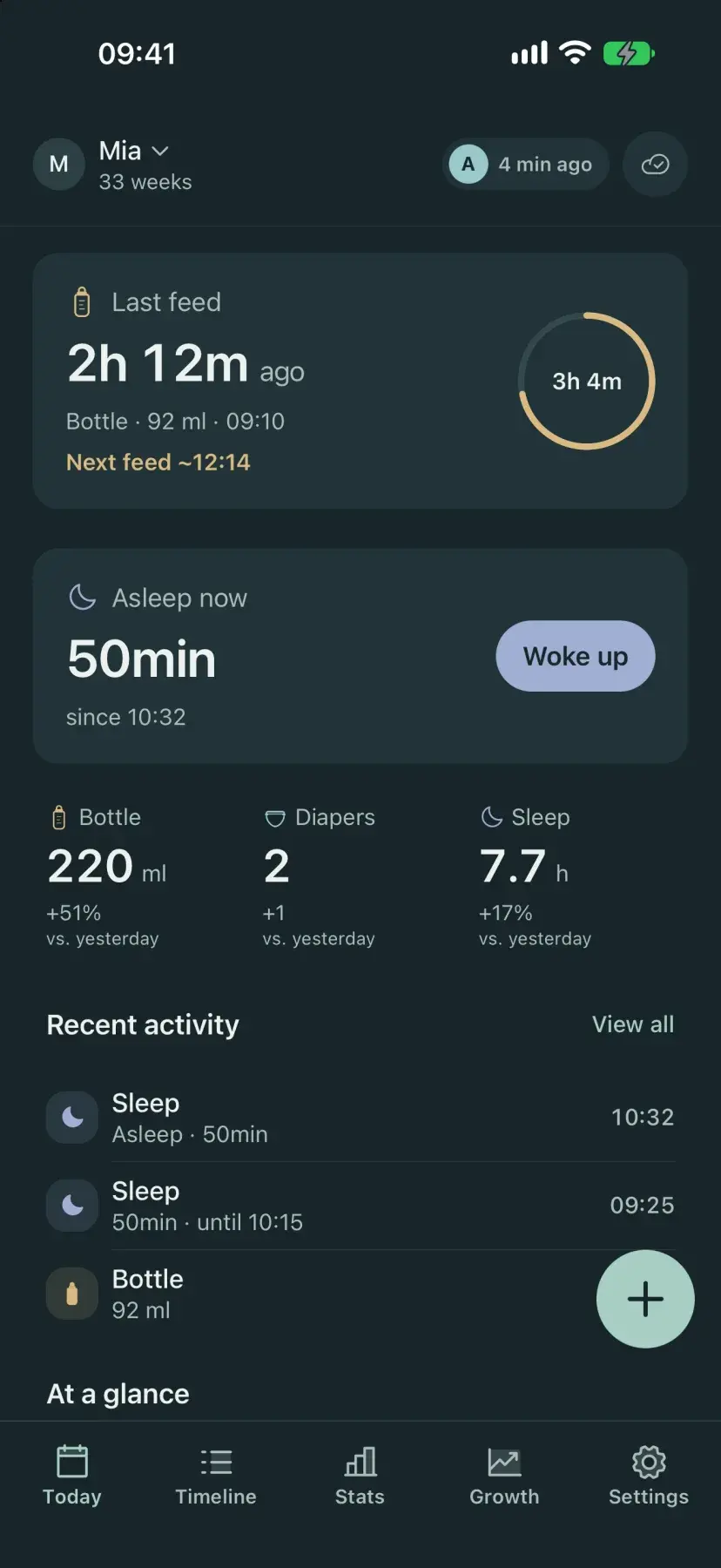
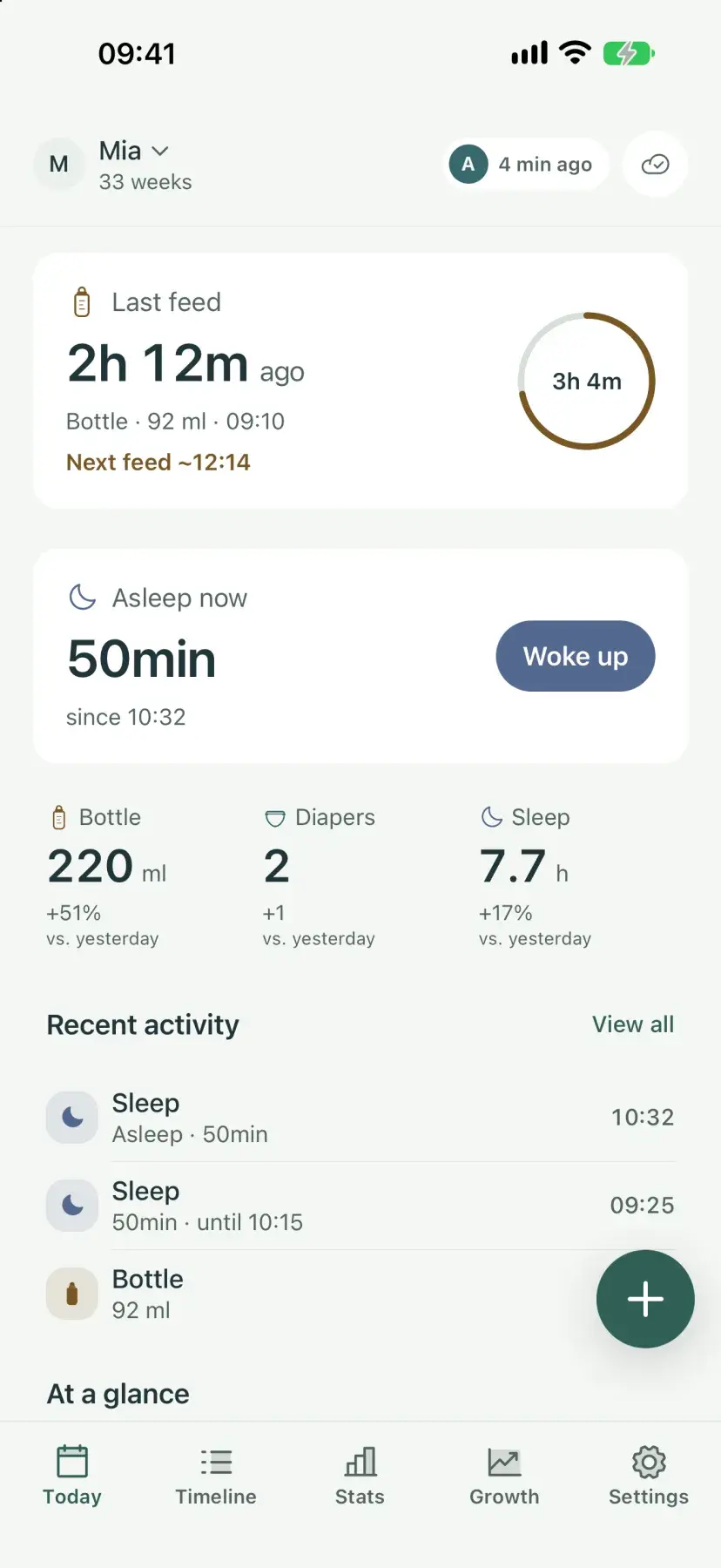
Time each side and switch mid-feed, log bottles in ml or oz, and log pump sessions with amount, duration, and side. The Today screen shows how long ago the last feed was and roughly when the next one is due.
Next-feed reminder
A notification before the next feed is usually due, based on your baby's usual gap. Choose how early, and whether it may come at night. Each parent sets their own, and it's free.
Diapers & sleep
One tap for wet, dirty, or both. Start a sleep timer or log a stretch afterwards, and see the day's totals at a glance.
Voice logging
Long-press the add button and say what happened. The form opens already filled in, so you check it and save. Works in all seven app languages.
Stats & growth
Day and week views for feeds, diapers, and sleep, including naps, night sleep, and the longest stretch, plus a growth tab for weight, length, and head circumference.
Offline by default
Entries are stored on your phone. Track one baby with no account and no subscription. Nothing goes to the cloud unless you choose Plus.
Log only what you use
Turn breastfeeding or solids on or off for each baby. The add form shows only what you log, and on iPhone so do the Watch and widgets.
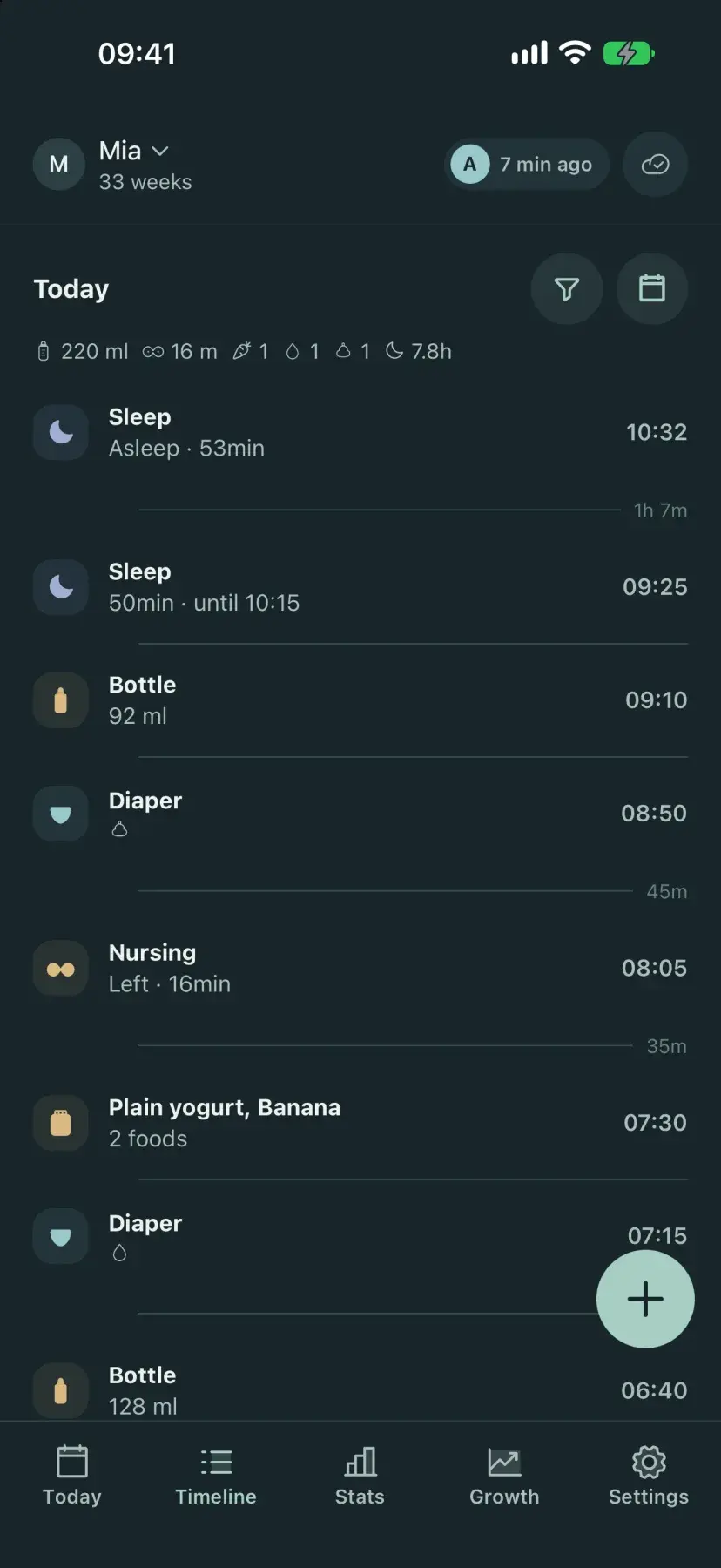
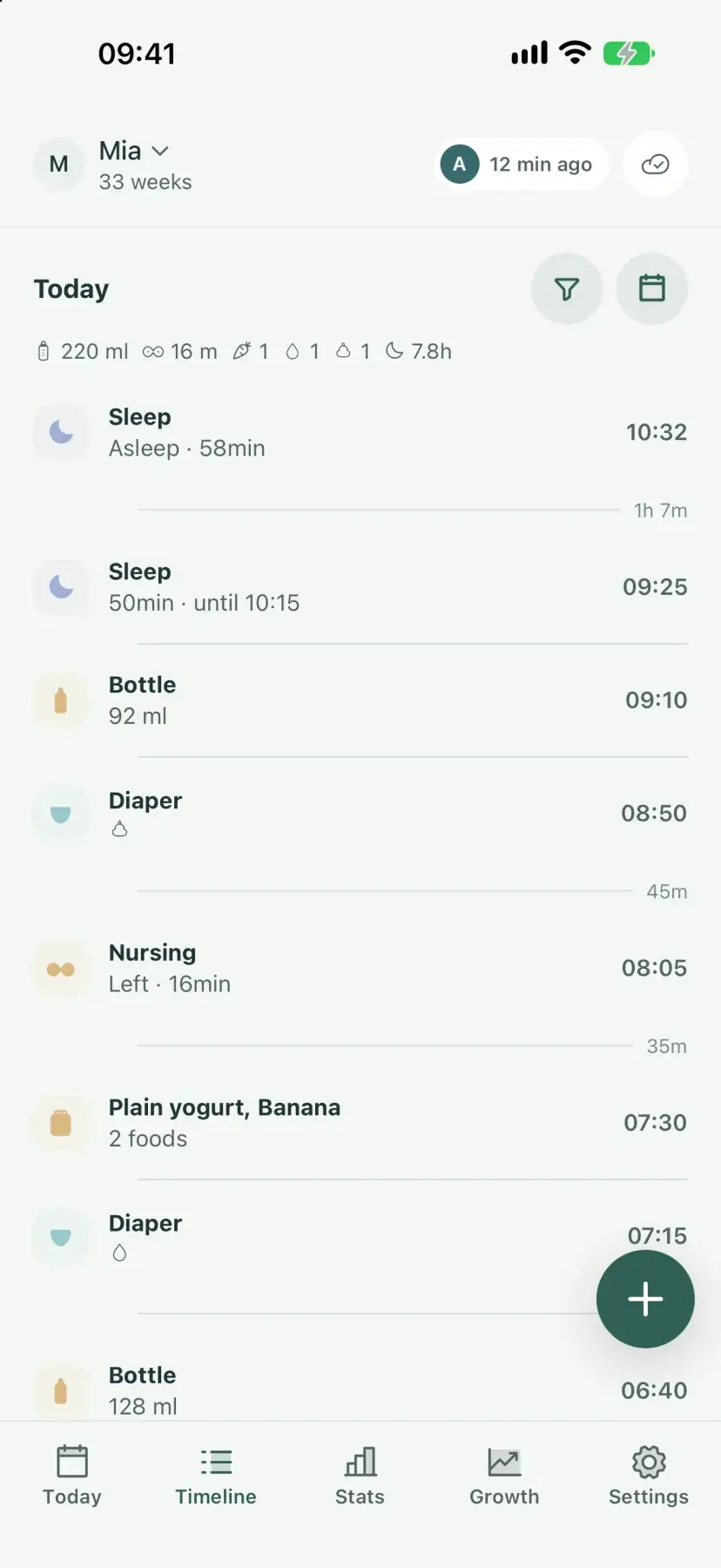
Every feed, diaper, and nap in order. Swipe an entry to edit or delete it.
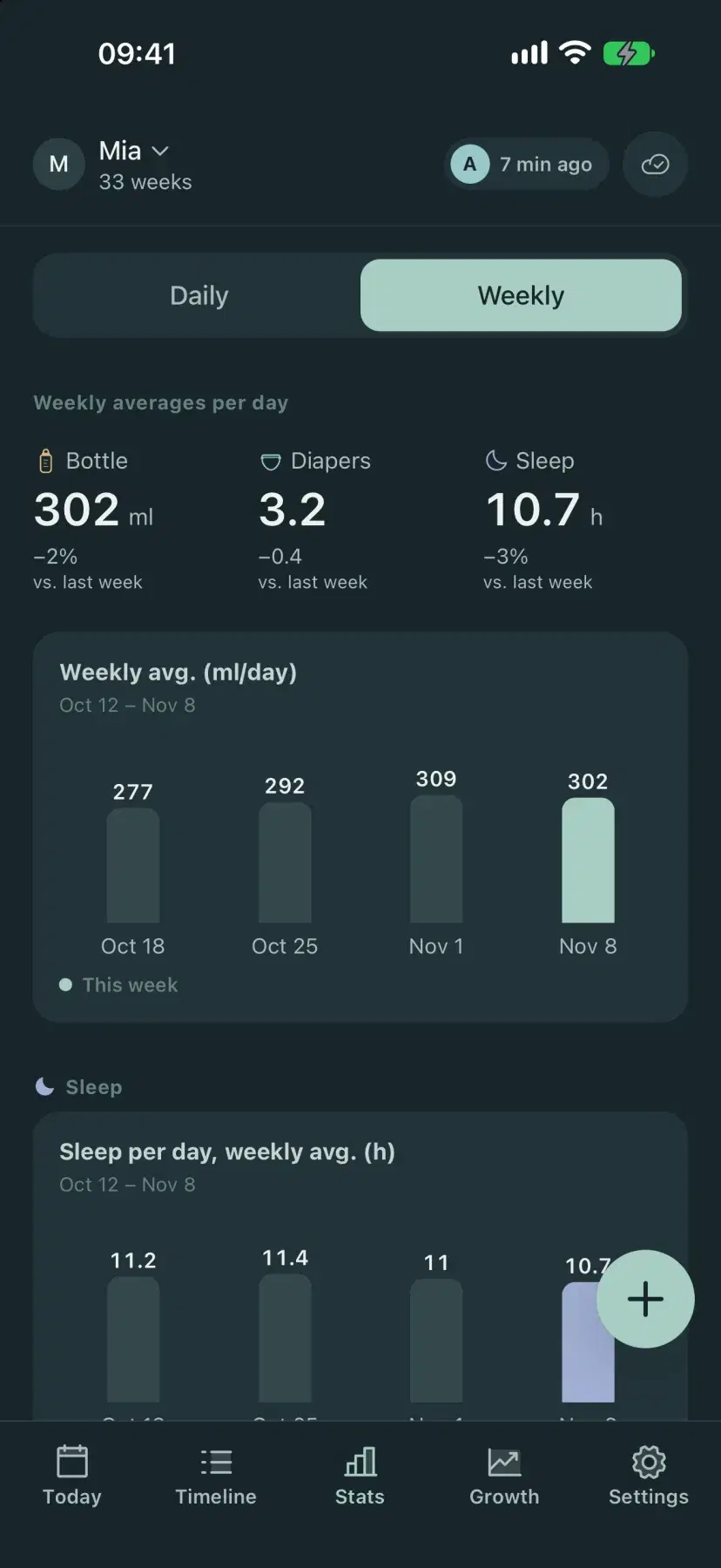
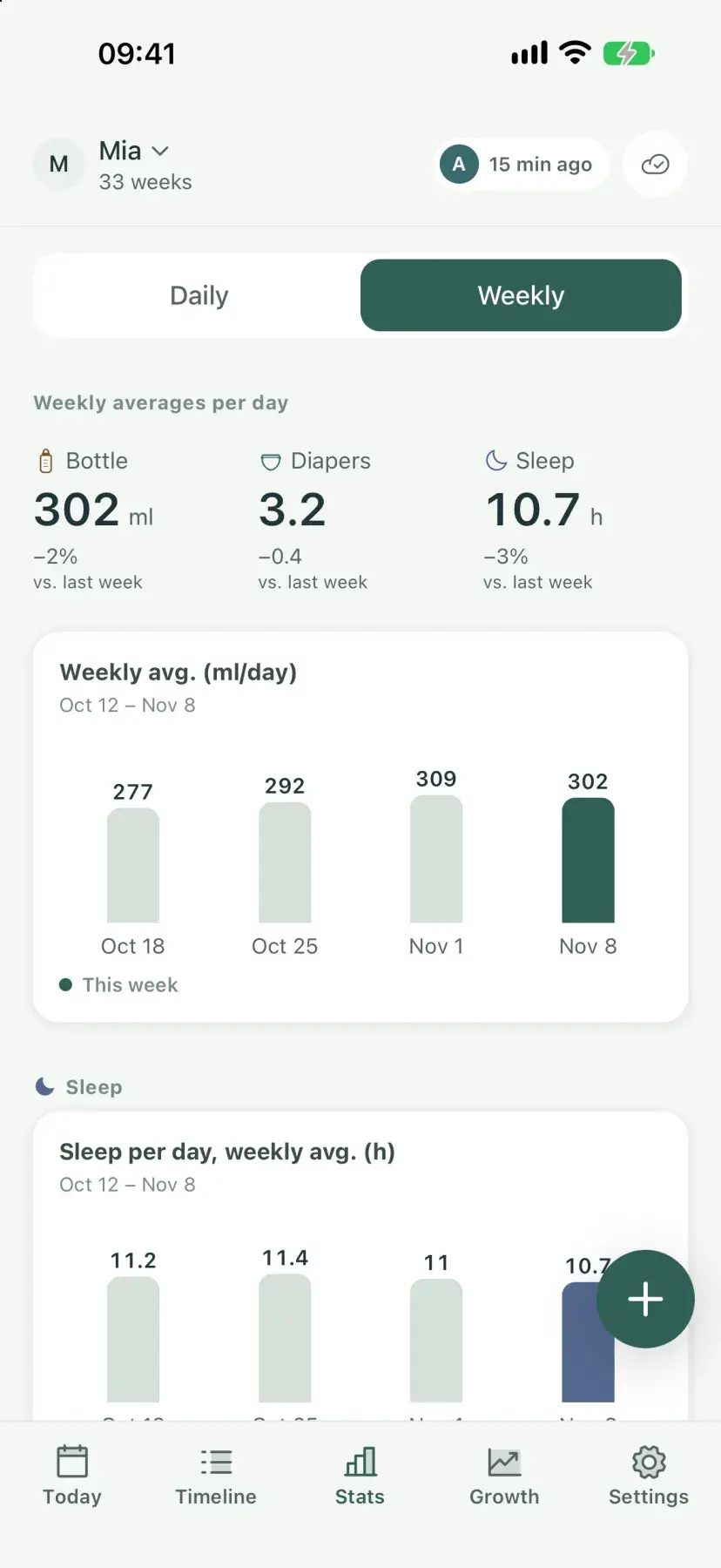
Today compared with yesterday, and daily averages across the last four weeks.
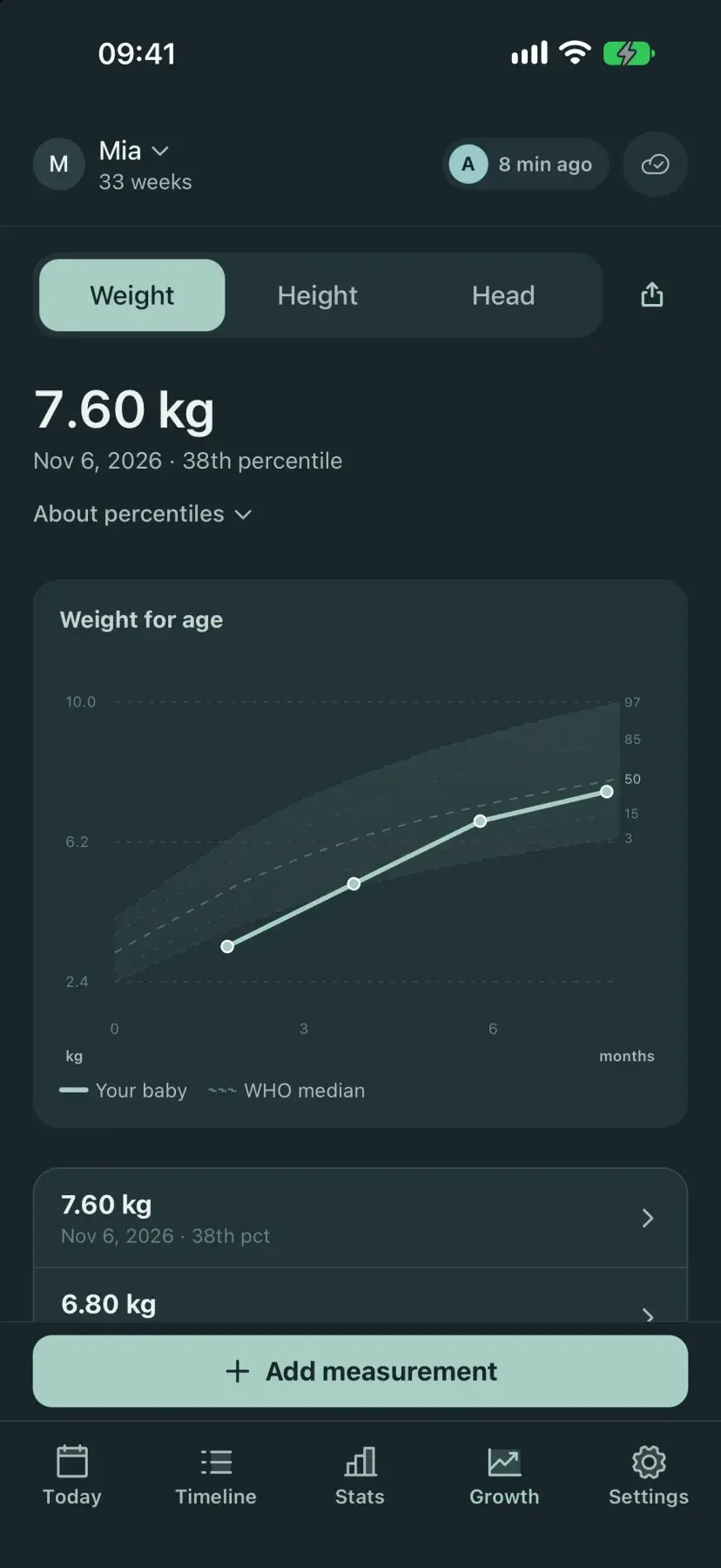
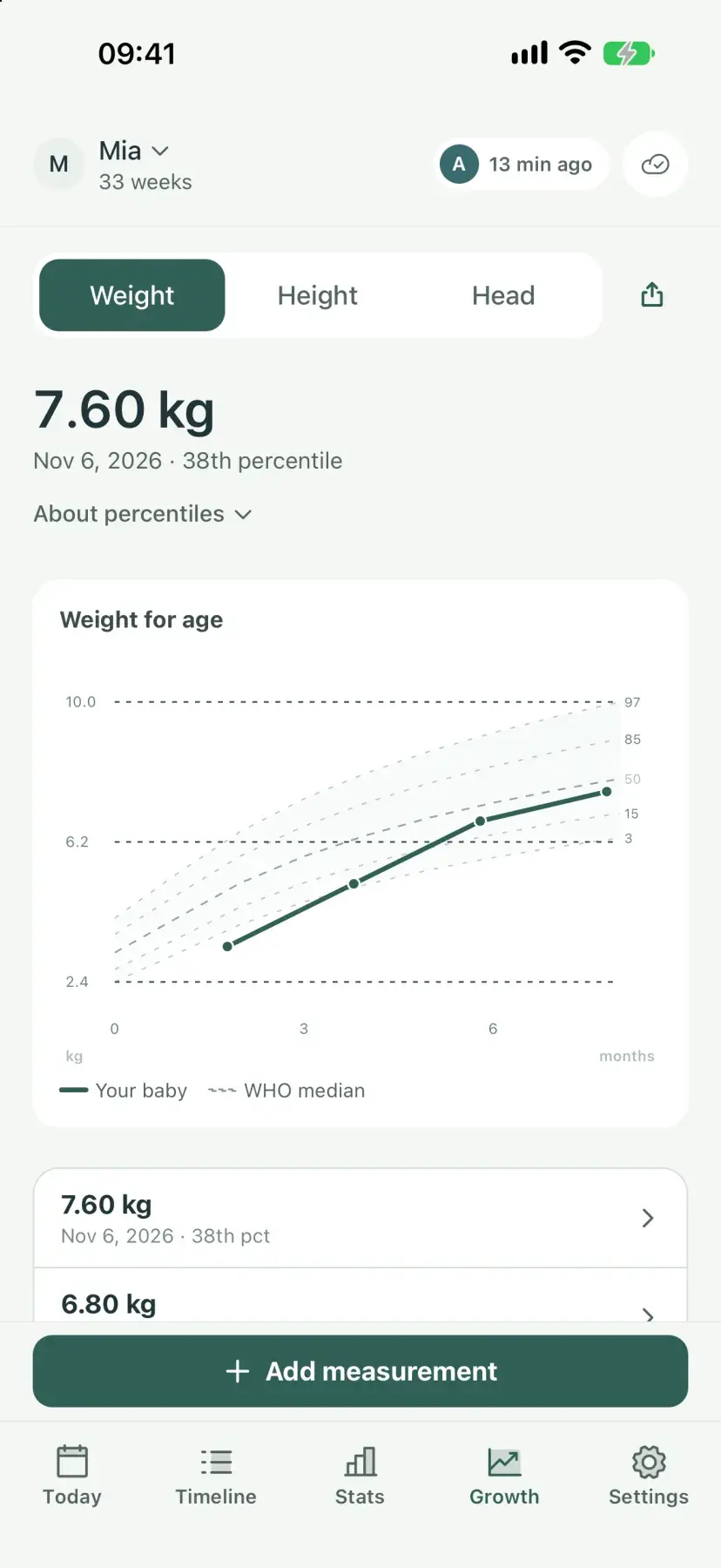
Weight, length, and head circumference on WHO percentile curves for boys or girls, from birth to 24 months.
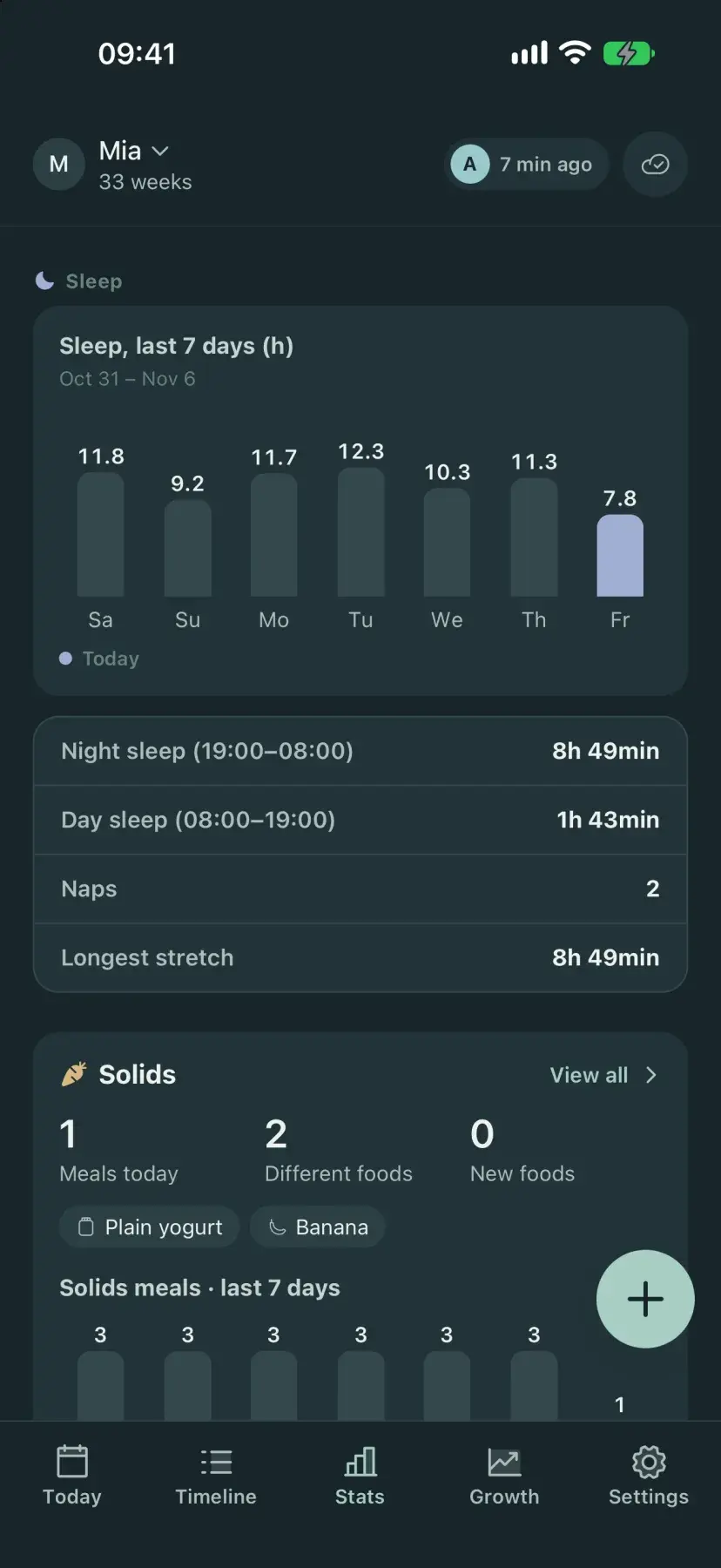
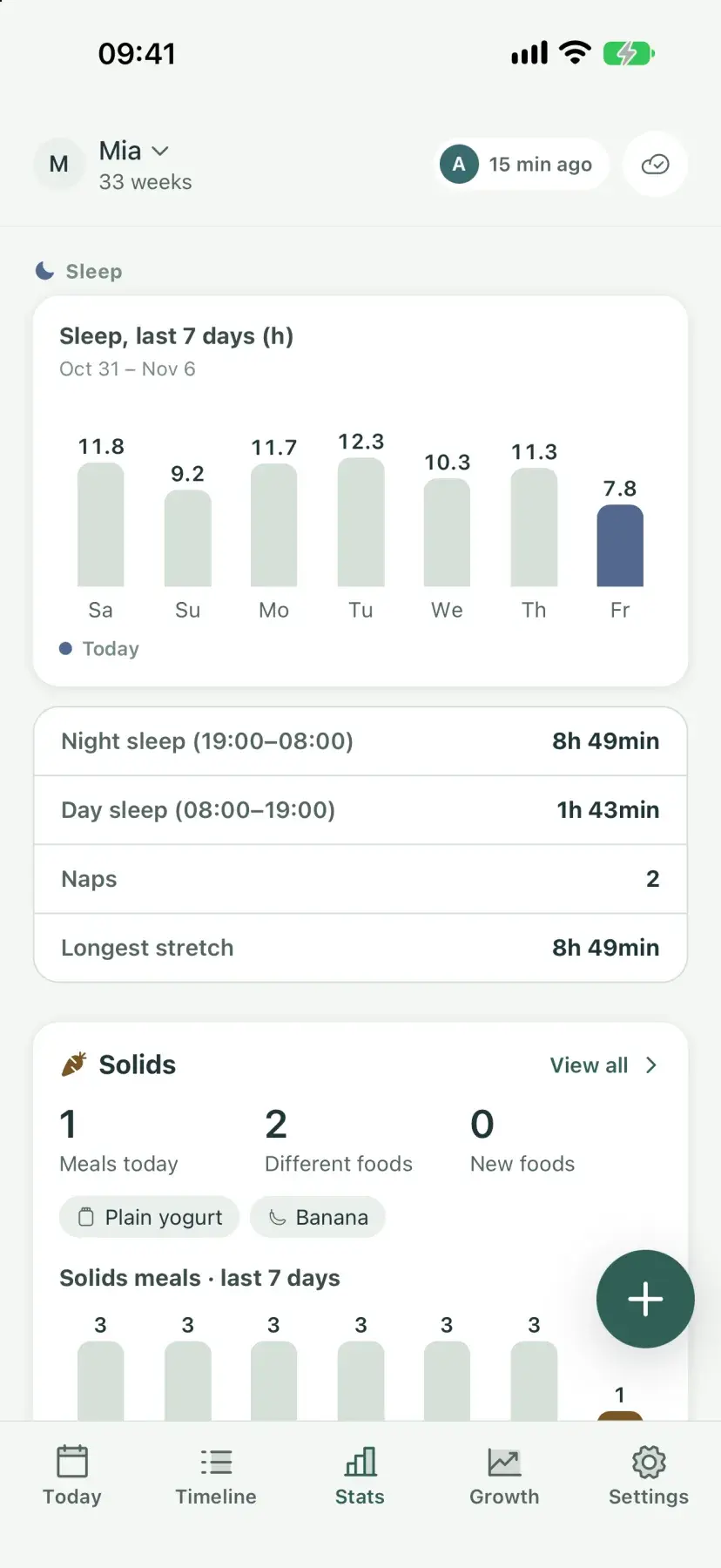
Night and day sleep, naps, and the longest stretch. Plus adds 4-week trends with the usual bedtime, wake-up time, and awake windows.
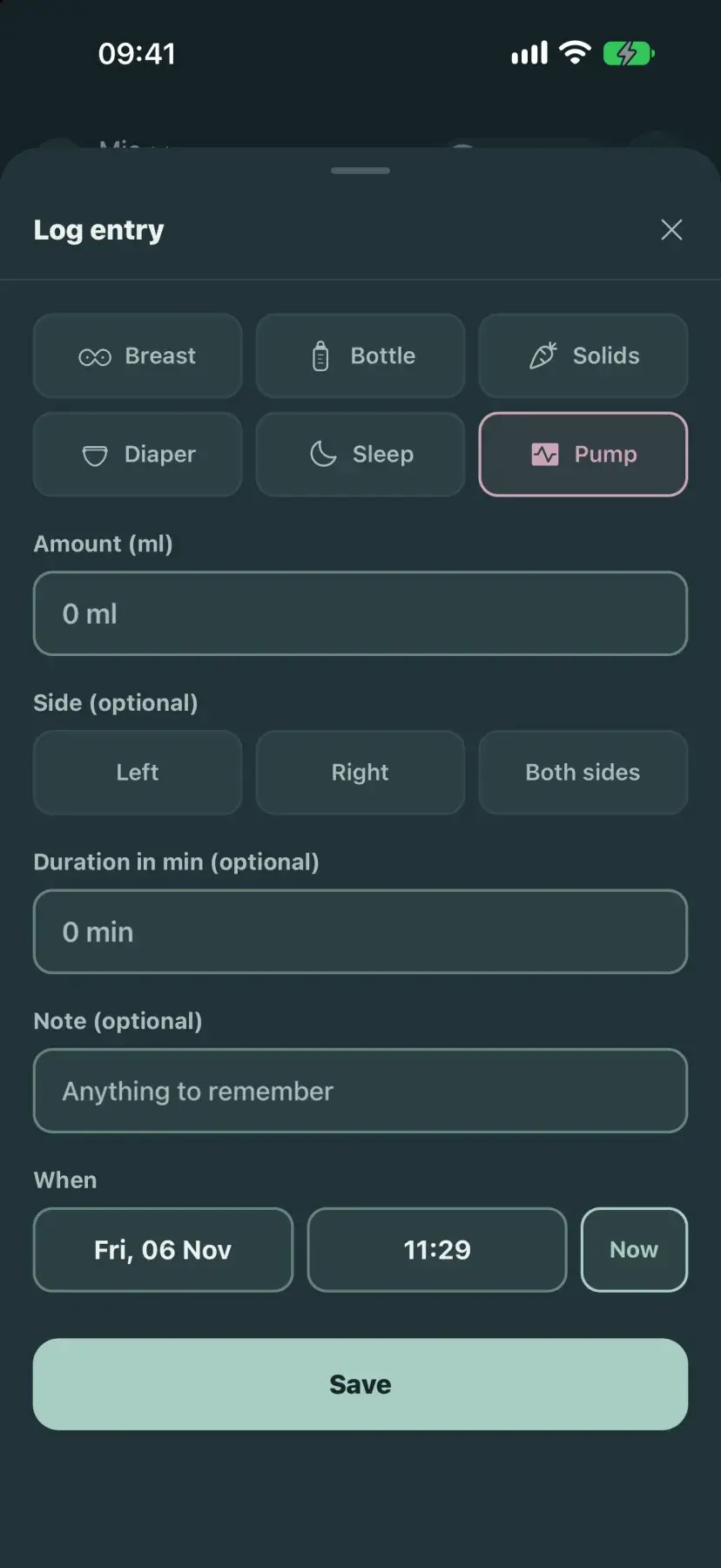
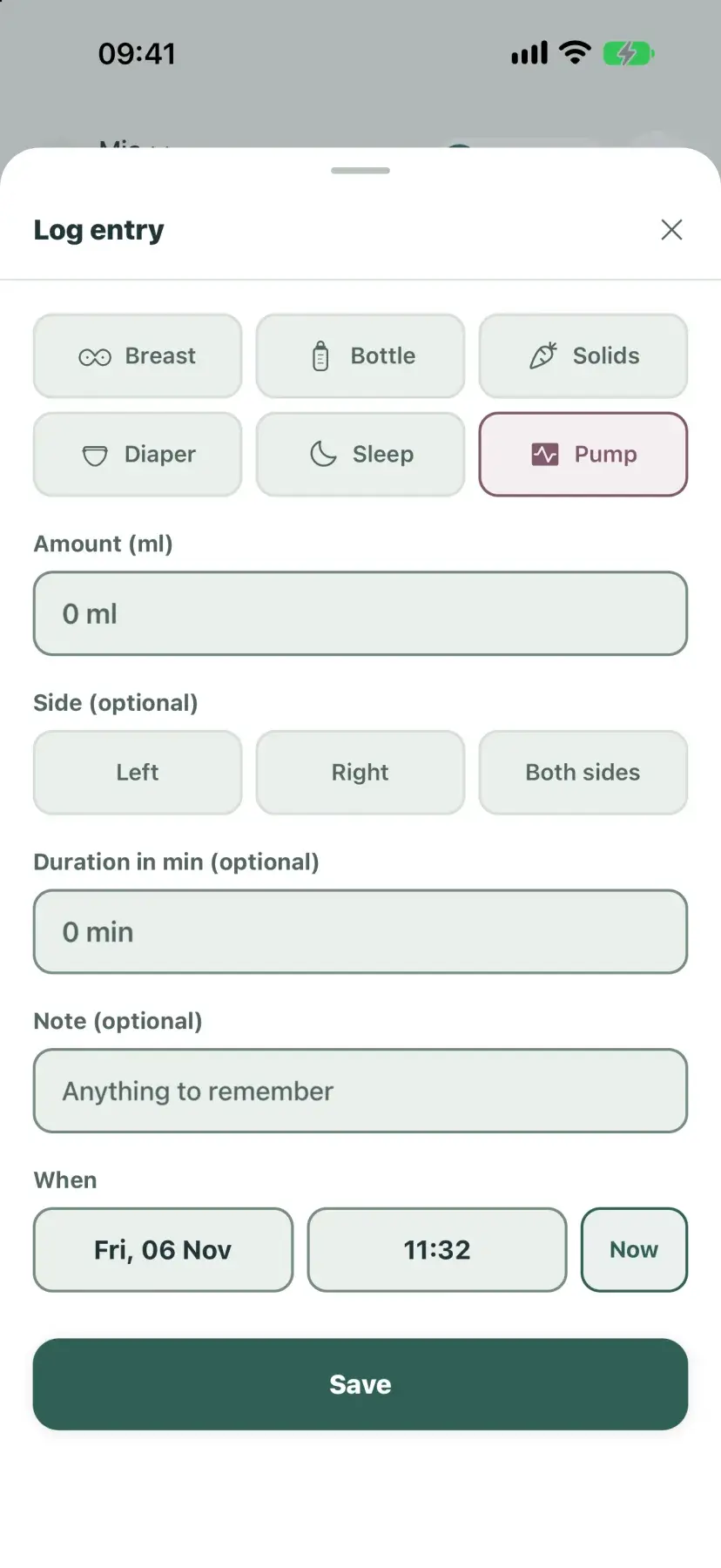
Log a pump session with amount, duration, and side. Turn it on or off for each baby.
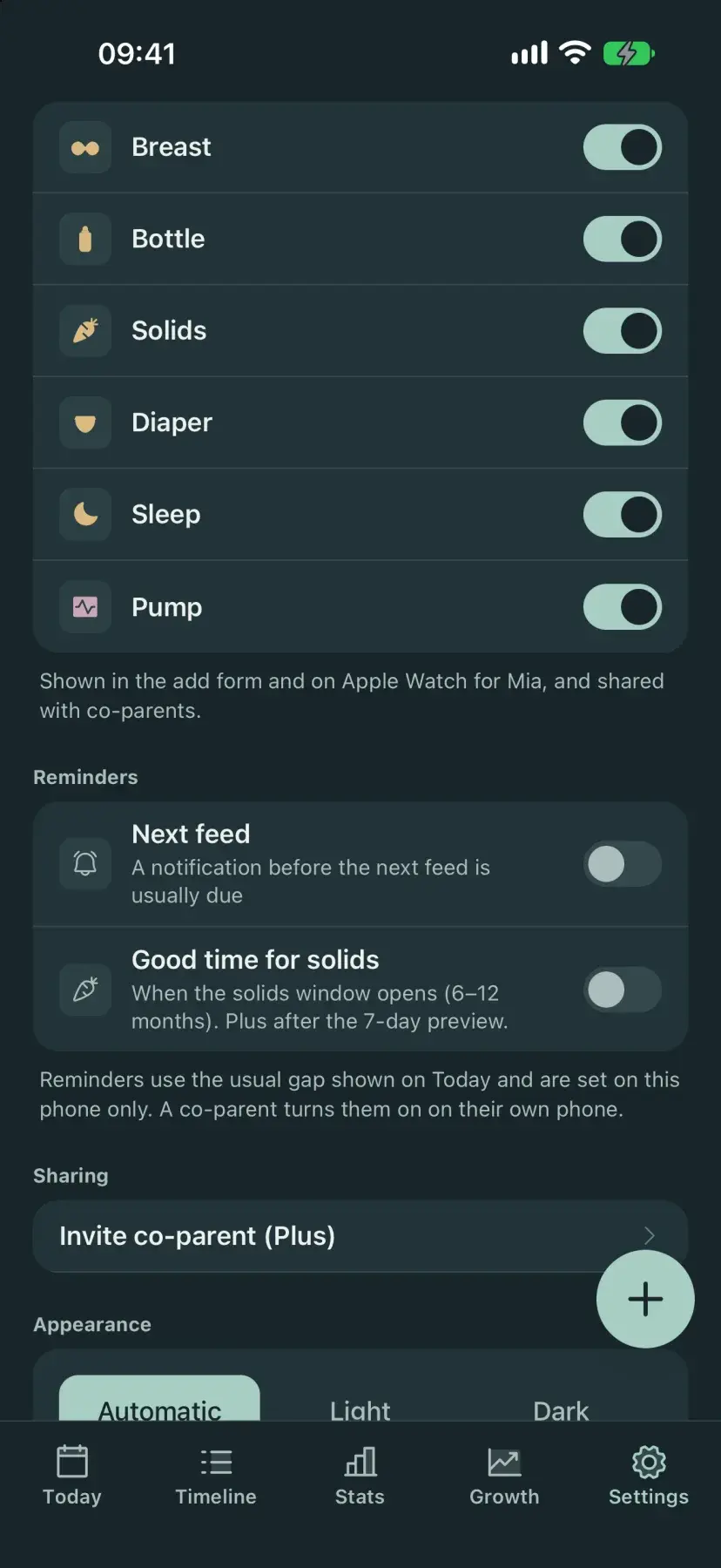
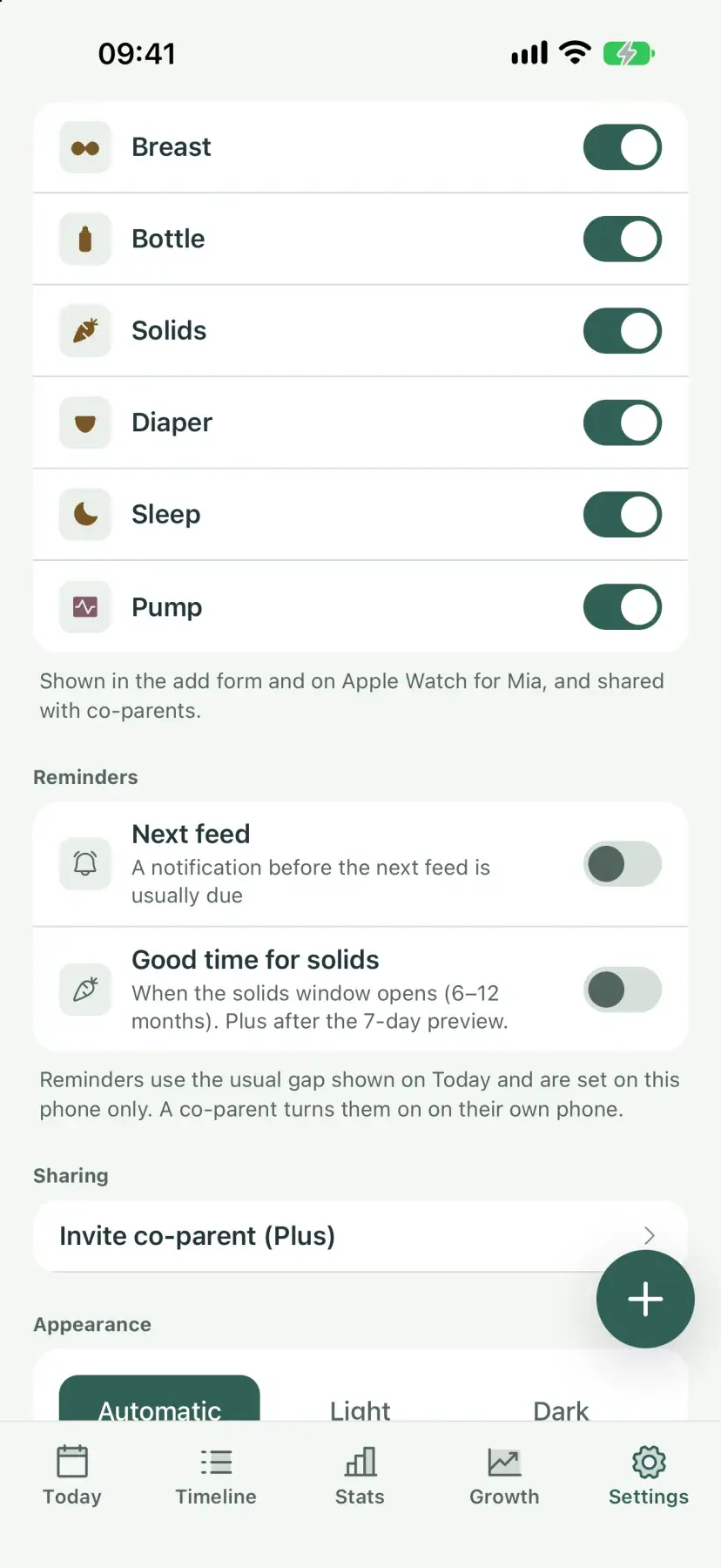
A notification before the next feed is usually due, based on your baby's usual gap. Each parent sets their own, and it's free.
Solids, one food at a time
When weaning starts, log each meal food by food and keep the nine common allergens in view.
- 110 first foods, or type your own
- How much they ate: tasted, some, most, or all. No calorie targets
- Reactions logged against the food that caused them
- Nine common allergens: start one at a time, then keep offering each about once a week
- Purées and mixes as one meal, in spoons, grams, or ml
- Milk feeds and solids counted separately
- Today suggests a good time for solids, with an optional reminder. Free for 7 days, then part of Plus
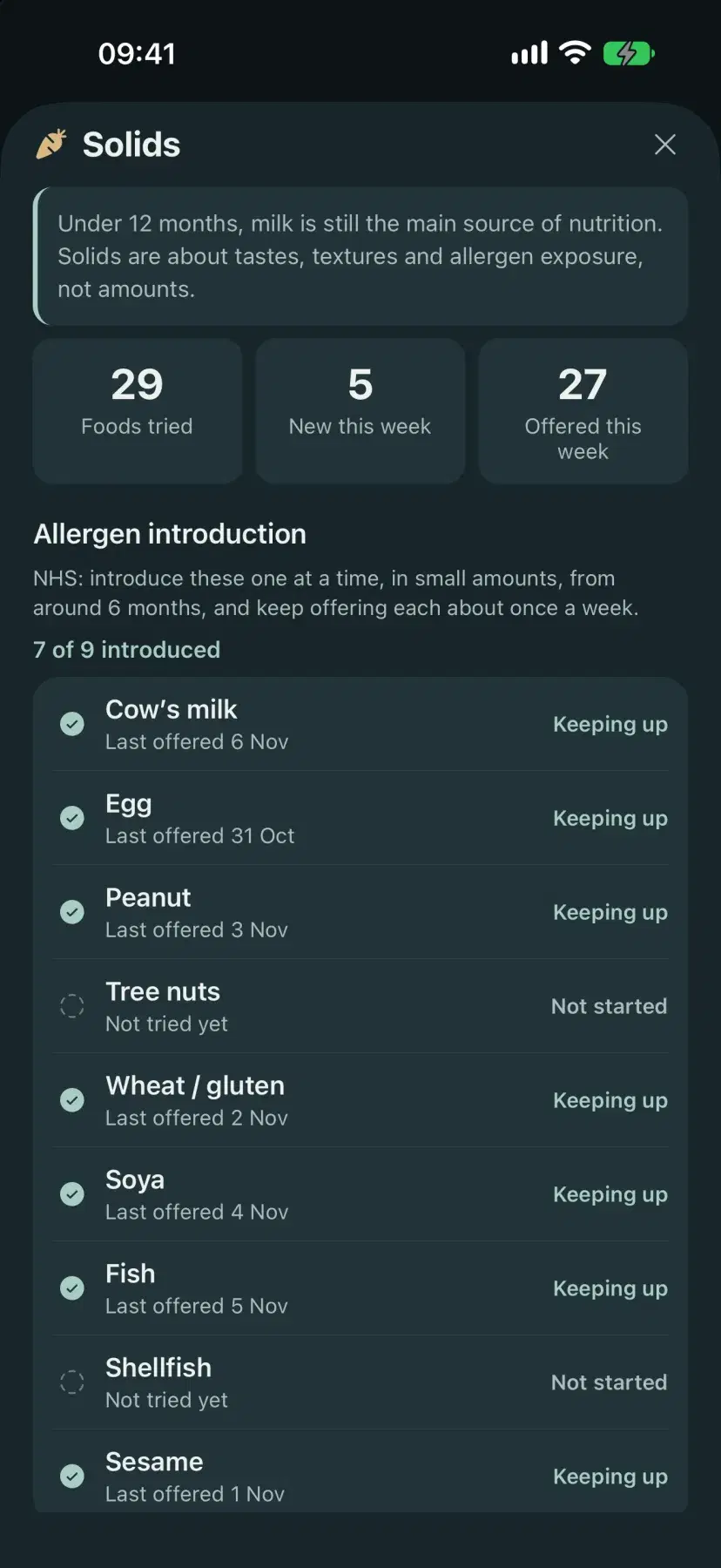
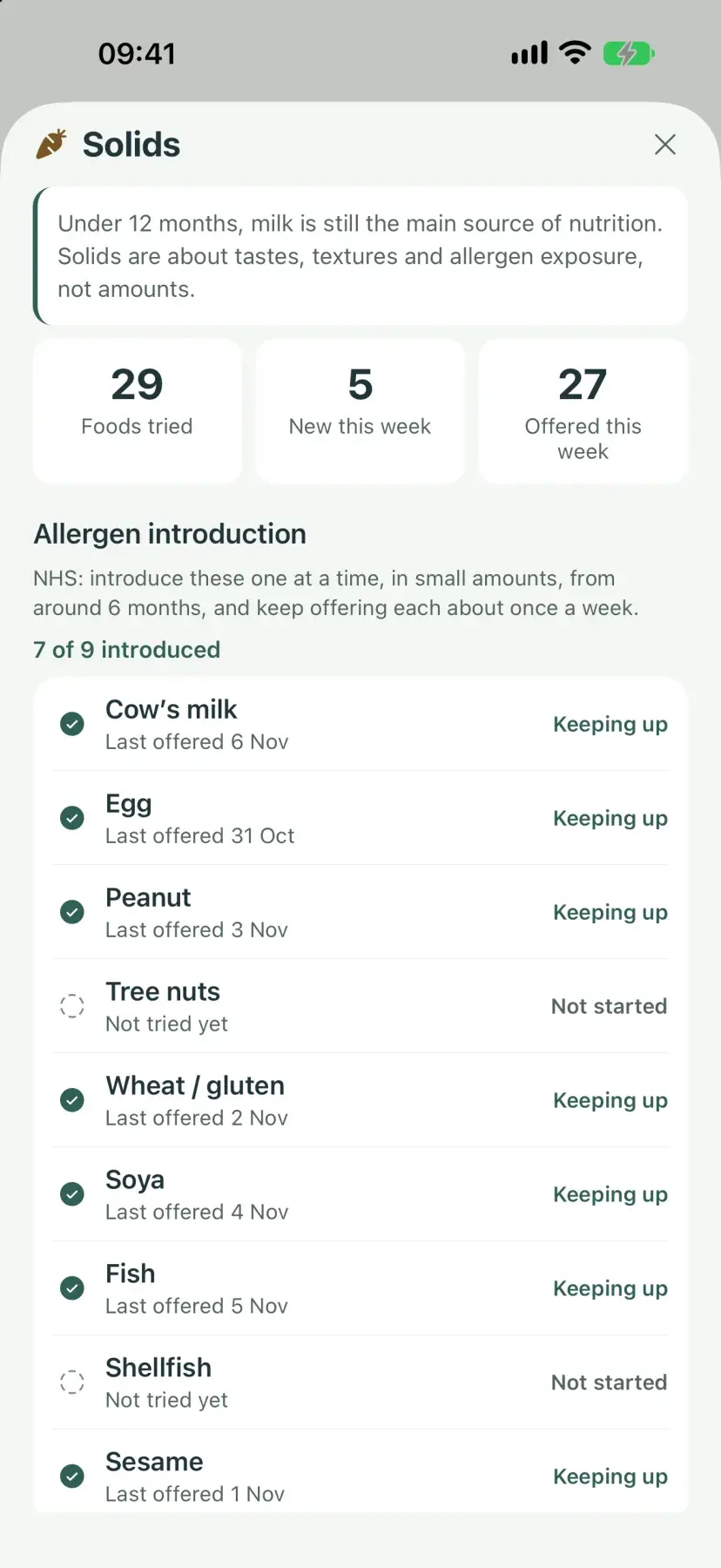
BabyTrack+ follows NHS weaning guidance and does not give medical advice. Ask your pediatrician about your baby.
Made for iPhone parents
Apple Watch, Lock Screen widgets, the Lock Screen sleep timer, and Siri Shortcuts are available on iOS. Home-screen widgets work on Android too.
Apple Watch
Log feeds, diapers, sleep, and solids from your wrist, including a breast timer. Watch-face complications show the time since the last feed.
Home & Lock Screen widgets
See the time since the last feed or change and log with one tap, without opening the app.
Siri Shortcuts
Ask Siri to log a feed, diaper, or sleep. The entry is saved without opening the app, which helps at 3 a.m. with a baby in one arm.
Time since the last feed, diaper, and sleep, with one-tap logging underneath.
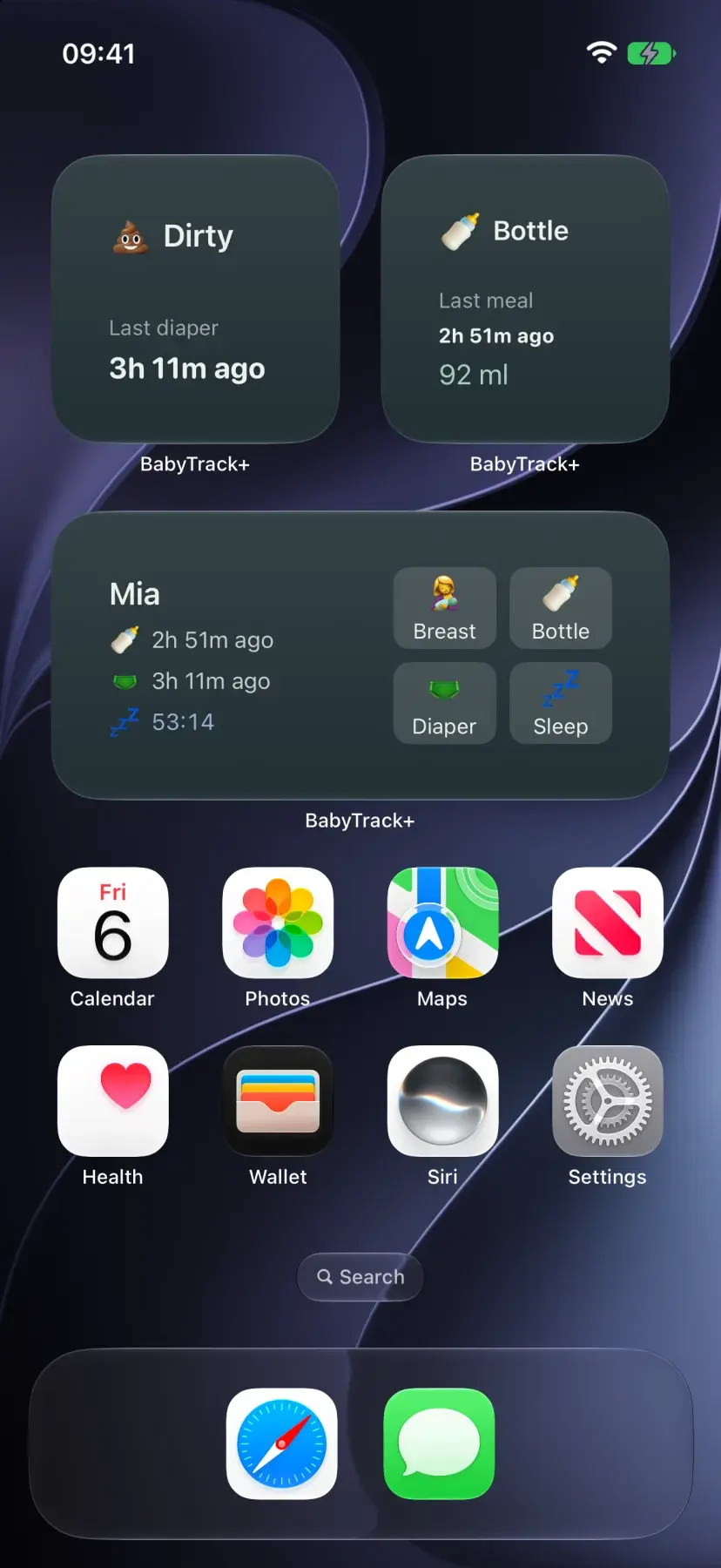
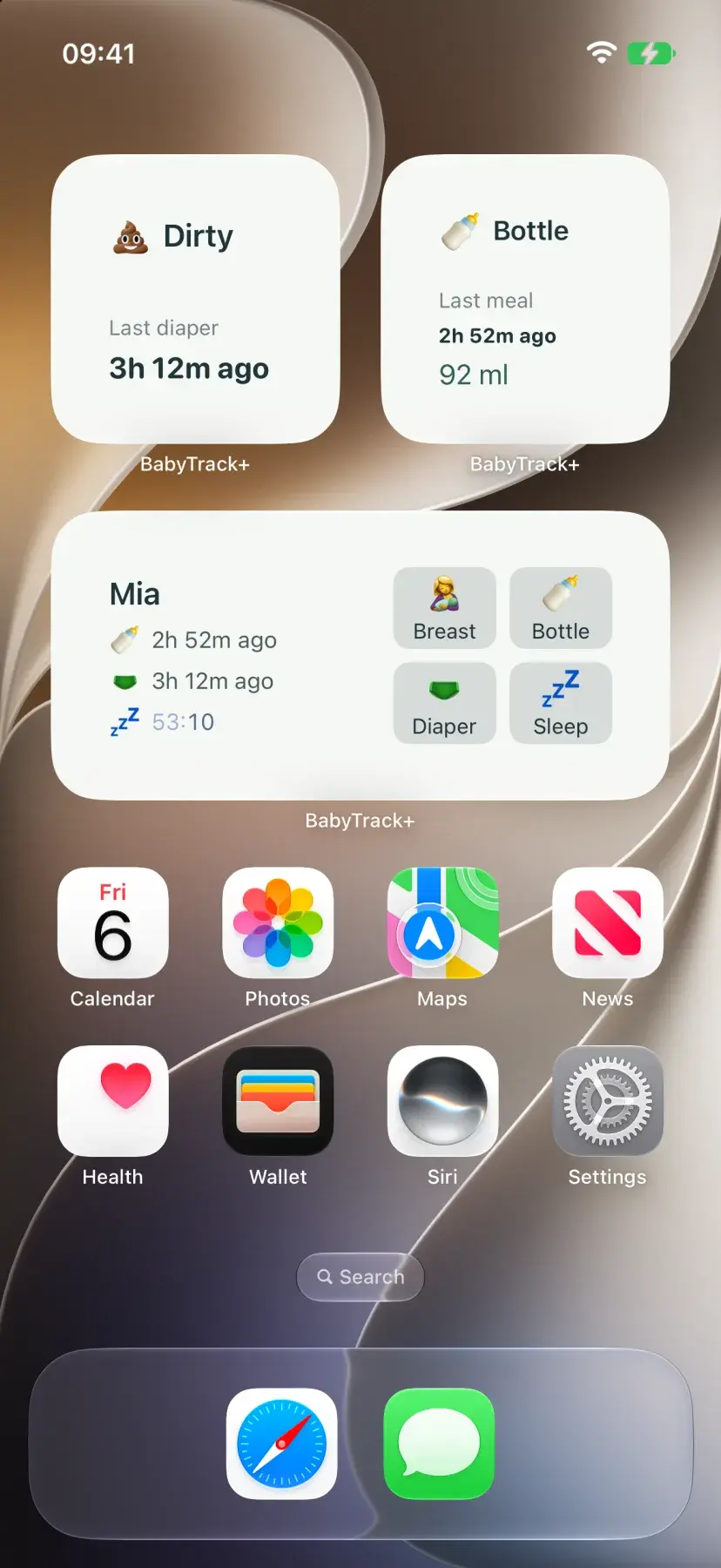
Time-since and quick-log widgets for the Home Screen, plus Lock Screen widgets for the last feed and diaper.
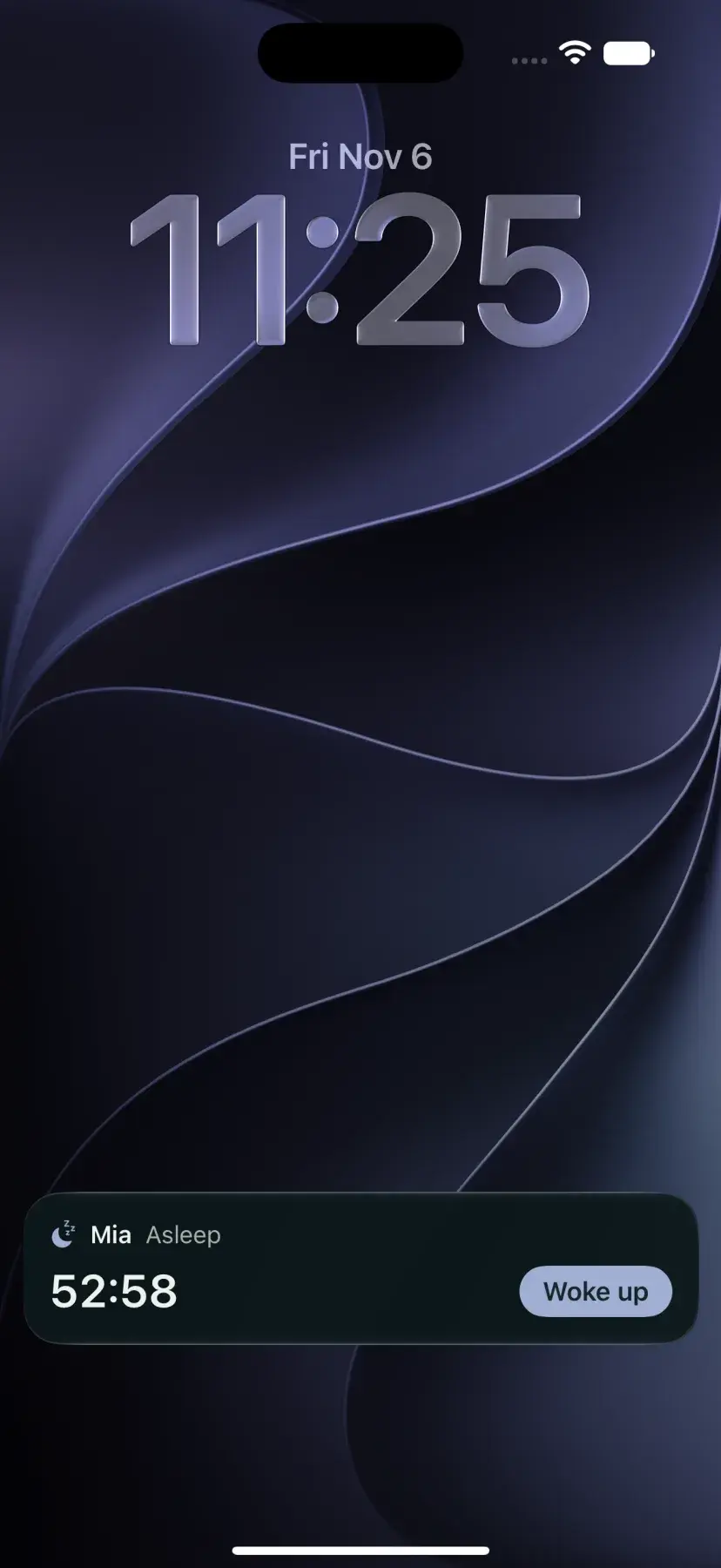
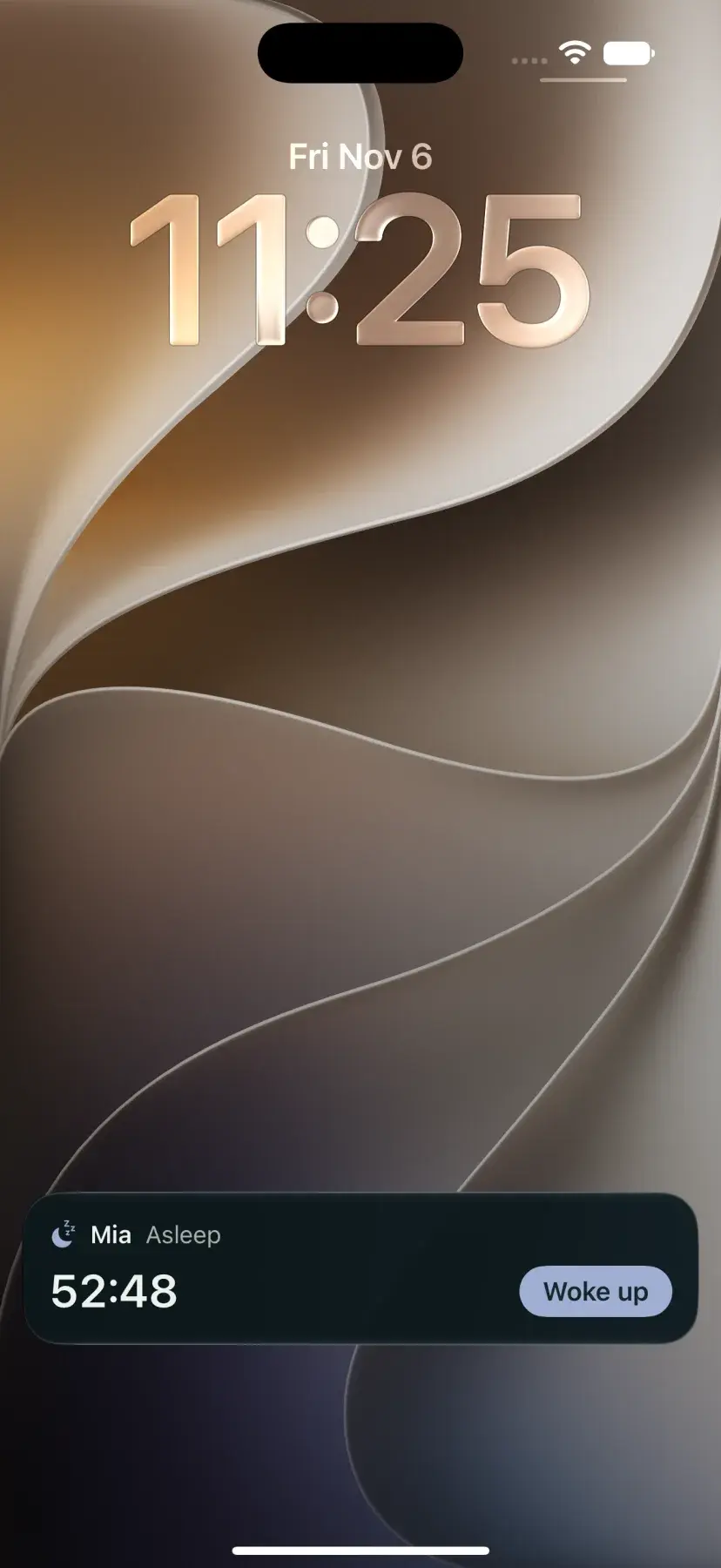
Start a sleep and a timer runs on the Lock Screen and in the Dynamic Island. Tap Woke up to end it, on your iPhone or your co-parent's.

Starts on the side you finished last. Switch sides and stop from your wrist.
Free to start. Plus when you need more.
Track one baby on your own for free. Upgrade when you want cloud backup or a co-parent on the same board.
- One baby, fully offline
- Feeds, pumping, solids, diapers, sleep, growth & stats
- Voice logging, breast timer, and next-feed reminder
- Apple Watch and Siri on iPhone, home-screen widgets on iPhone and Android
- Cloud backup & multi-device sync
- Invite a co-parent or caregiver
- Unlimited babies
- PDF report for your pediatrician
- 4-week sleep trends and CSV export
- Good time for solids, after its free week
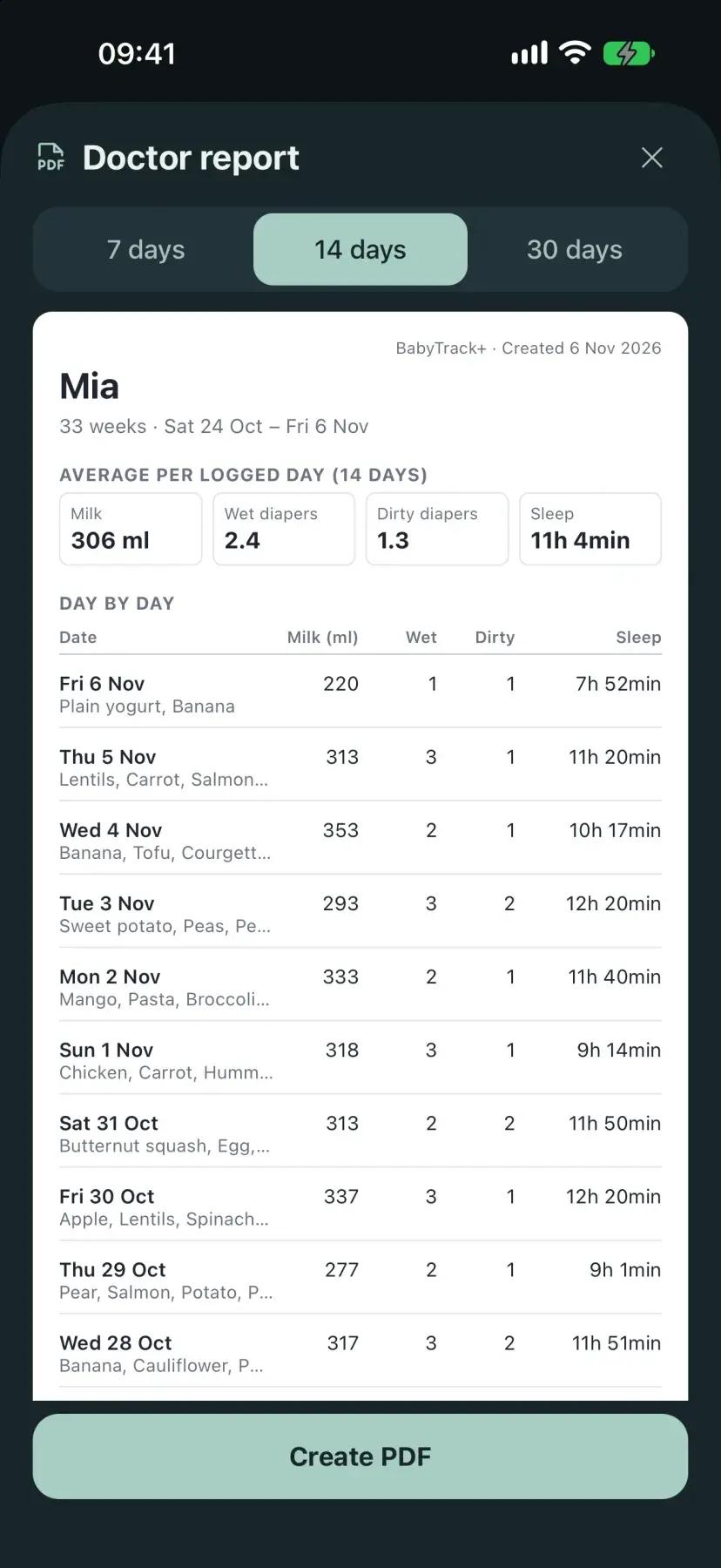
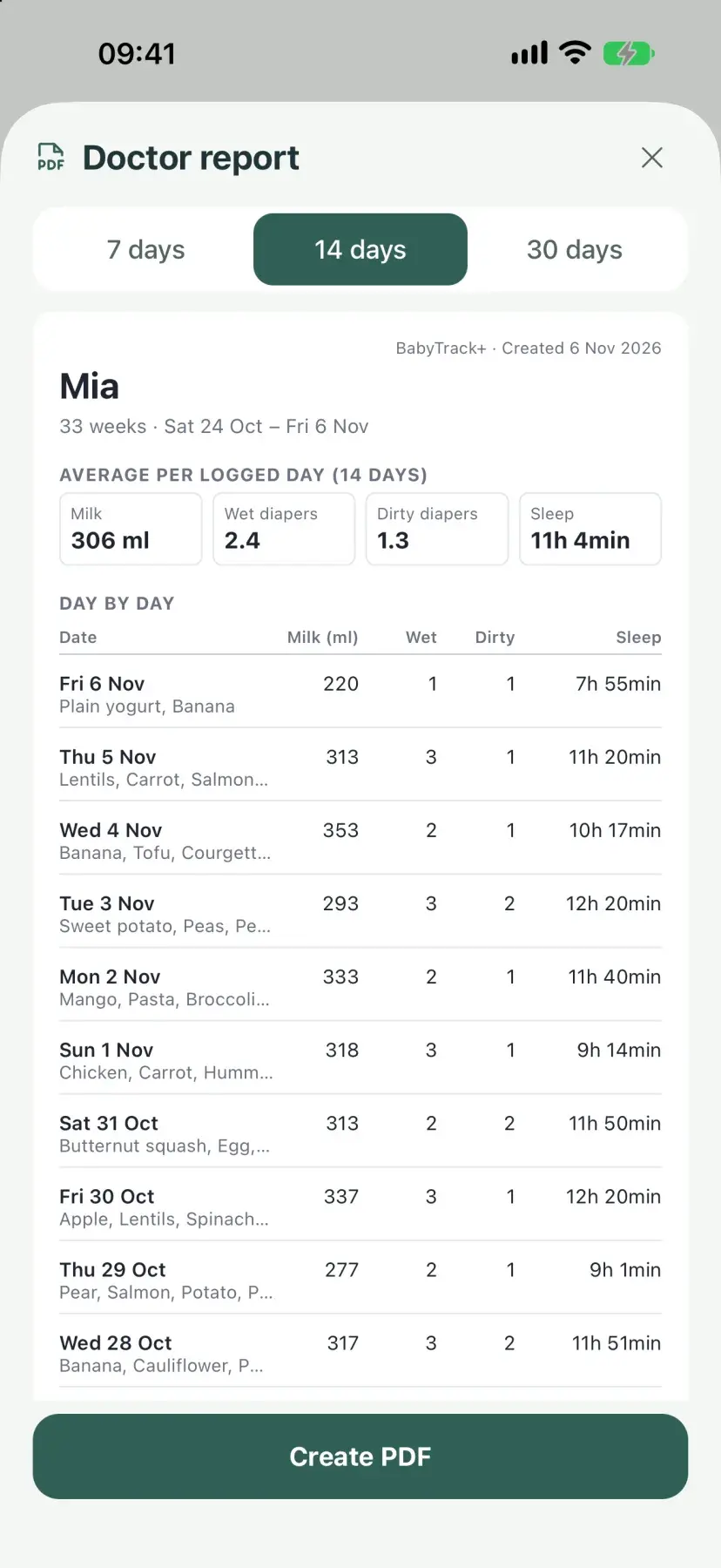
Your co-parent can join on Free. One Plus subscription covers the household.
Questions parents ask
Is BabyTrack+ free?
Yes. Tracking one baby on one phone is free, with no account and no limit on how far back your history goes. Plus adds cloud backup, sync across devices, co-parent sharing, unlimited babies, a PDF report for your pediatrician, and 4-week sleep trends.
Does it work offline?
Yes. Entries are saved in a database on your phone, so logging works in airplane mode or with no signal. With Plus, changes sync once you are back online.
Can my partner and I log for the same baby?
Yes, with Plus. Invite a co-parent, grandparent, or nanny from the app. They can stay on the free plan, because one Plus subscription covers the household, and entries show up on every phone in real time.
Does BabyTrack+ work on Apple Watch?
Yes. The Watch app logs bottle and breast feeds (with a timer), diapers, sleep, and solids, and watch-face complications show the time since the last feed. It needs watchOS 10 or later.
Is there an Android version?
Yes, on Google Play. Tracking, pumping, solids, stats, growth charts, voice logging, reminders, and home-screen widgets work on Android too. The Watch app, Lock Screen widgets, the Lock Screen sleep timer, and Siri Shortcuts are iPhone only.
Which growth charts does it use?
The WHO Child Growth Standards for weight, length, and head circumference, from birth to 24 months, with separate curves for boys and girls. The CDC recommends the same WHO charts for children under 2 in the US.
How does the allergen tracker work?
When you log a solids meal, BabyTrack+ notes which of the nine common allergens it contained. Each allergen shows as “Not started”, “Introduced”, or “Keeping up”. The app warns you if one meal has two new allergens and flags an introduced allergen you have not offered for a week. This follows the NHS advice to introduce allergens one at a time and keep them in your baby's diet.
Is my baby's data private?
On the free plan your entries stay on your phone and never reach our servers. With Plus they sync to our cloud database so the people you invite can see them. We do not sell data and the app has no ads.
Which languages does the app support?
English, Greek, German, French, Italian, Spanish, and Portuguese, including voice logging.
Guides for the first year
What to log, how to read it, and when to ask a professional. Every guide links to its NHS, WHO, or CDC sources.
4-Month Sleep Regression: What a Sleep Log Can (and Can't) Show
What parents usually mean by a 4-month sleep regression, what AAP and NHS say about sleep around this age, and which details are worth logging for a week.
Cluster Feeding: Why Newborns Want to Feed Constantly (and What to Log)
What cluster feeding is, why evening feeding marathons are common, how it differs from low supply, and what a simple feed log can show you.
Baby Weight Percentile: What It Means on a WHO Growth Chart
What a weight-for-age percentile means, why the curve matters more than one weigh-in, and how to check a measurement with a free WHO calculator.
Start tracking today
Free to download. No subscription required to get started.